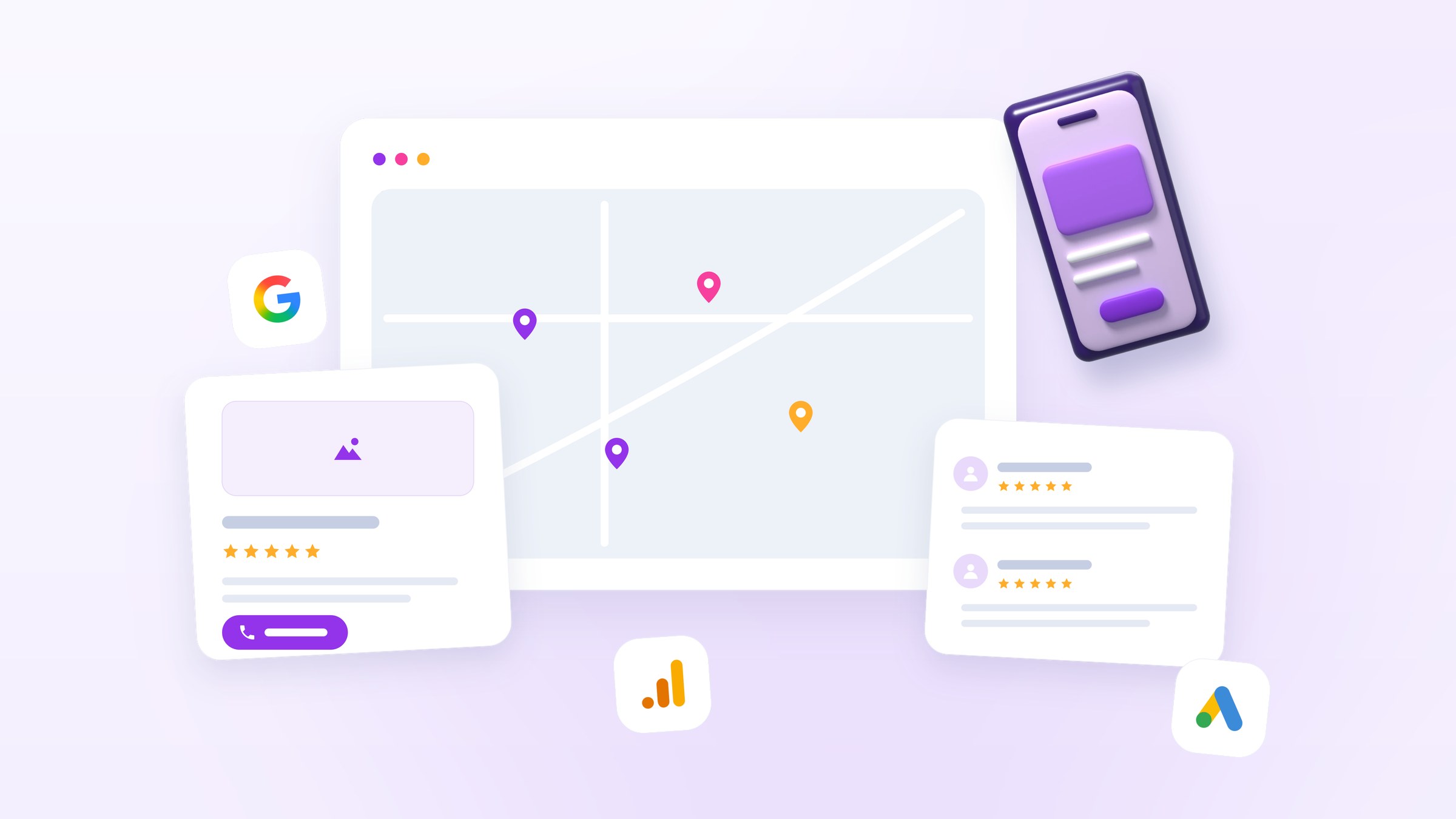



Local Services Ads are the listings at the top of the results when someone searches "plumber near me". Each one shows a business name, a star rating, a badge and a call button. Unlike Google's search ads, they don't charge you for clicks.
This guide covers what Google Local Service Ads cost and how you are billed. It explains which leads you pay for and which you don't, how the weekly budget turns into a monthly ceiling, and how to get bad leads credited back. For the pay-per-click side, see how much Google Ads cost.
What Google Local Service Ads cost: you pay per lead
Google says: "You're charged for each valid lead you receive through your Local Services ad." People who see your ad but never contact you cost nothing. Google's page on how leads work lists what counts as a lead:
- A text message or email through your ad (US and Canada only)
- A voicemail or automated engagement, such as a callback request or appointment scheduling
- An answered phone call
- A missed call that you follow up on by text, email or call
- A booking request (US and Canada only)
The price per lead is not fixed. It "may vary depending on your location, the job type, the type of lead, or your bidding mode." Google adds: "Message leads are typically priced lower than the corresponding phone lead price, although that's not always the case."
Google publishes no price list by category, so any exact figure quoted for your trade comes from someone's own accounts or surveys. Pay-per-click numbers are published: LocaliQ's 2026 search advertising benchmarks put the average cost per lead from search ads at $66.69, rising to $90.92 in home improvement and $131.63 in legal. Those are national averages to hold your LSA lead price against.
Which leads are charged and which are not
Google screens each lead when the customer first gets in touch, and its lead documentation says "leads determined to be invalid or low quality are not charged." Every other valid lead is billed, including some you may not want. The same page lists examples of leads Google won't credit back, which means you pay for them:
- "A valid lead was received outside of your business hours."
- The customer asked for advice, was researching projects or prices, or canceled a booking
- "A customer didn't respond to your return call or message."
- You list a general service type but don't do the specific job the customer asked for
- You are temporarily unable or unwilling to provide the service
After-hours leads are charged either way, so return them first thing. If you can't take calls in the evening, Google recommends turning on message or booking leads, which help most "during nights and weekends when you can't answer the phone." Missed calls can count against your responsiveness, which feeds your ranking.
How the weekly budget and monthly max work
LSA budgets are set by the week. You choose an average weekly budget as a target spend, and Google's budget documentation gives the hard ceiling: "The exact formula for the monthly max is average weekly budget x 30.4 ÷ 7."
So a $500 weekly budget caps at roughly $2,171 a month. Within that, you may spend more in a busy week and less in a quiet one: "In some weeks you may spend less than your average weekly budget, and in others you may exceed it." The monthly max is where it stops: "Once you have hit your monthly max, your ad will no longer appear for the remainder of the month unless you adjust your budget."
Work the budget out backwards. Decide how many jobs you want next month, divide by your close rate to get leads, and multiply by the lead price your account actually sees. A spend figure picked out of the air is how an account hits its monthly max early and drops out of sight for the rest of the month.

Bidding modes and what they do to your cost
A bid is "the most you'd pay for a lead". Google's bidding documentation lists three modes: Maximize Leads, where Google sets bids to "get the most leads for your budget" (recommended, with a minimum budget of 10 leads a week); Target cost per lead; and Max per lead, where you "manually set your own bid limit". Expect about two weeks before results settle.
One change to plan for is Google's migration of Local Services Ads into Performance Max campaigns with pay-per-lead goals. Per the transition documentation, the billing model stays: "You still only pay for valid leads (such as phone calls and messages) rather than ad clicks". Bidding and budgets do change. Manual bidding and industry-level Target CPA are deprecated, weekly budgets convert to daily averages (weekly divided by 7), and management moves into Google Ads. Rollout began with selected US home and storefront services in August 2026 and reaches remaining categories and non-US accounts in 2027. You get notices 14 and 7 days ahead. Historical LSA reports do not carry over, so export them first.
Google Verified: what the badge is now
To run LSAs you must pass Google's screening and verification process. It varies by category and location and may include business registration, license and insurance checks, background checks (required for select users in the US and Canada) and a minimum number of reviews. Passing gets you the badge (Google's getting-started guide): "The Google Verified badge helps inspire confidence by signaling to consumers that your business has passed Google's proprietary screening process."
Two recent changes make older descriptions of the badge out of date. Google consolidated its badges into a single Google Verified badge, and per the badge documentation, "Google will be discontinuing the Money Back Guarantee associated with the Google Guarantee badge". Consumers could claim on services booked before December 7, 2025, within 30 days of completion. Existing advertisers who had completed verification earned the new badge automatically. The badge is not available in every category (auto, beauty and dining are excluded), and pre-badge ads run during onboarding but appear below verified providers.
What decides your ranking and your cost per lead
Your bid is one input. Google's ad rankings page lists it alongside how likely your ad is to produce a lead, which depends on:
- Responsiveness: "Missed calls may negatively affect your responsiveness," while consistently fast replies can improve ranking.
- Relevance to the search, meaning the service requested, the time and the location.
- Communication options: "Enabling message and/or booking leads means there are more ways for customers to reach you."
- Profile quality, which covers "Your rating, number of reviews, average response time, use of high-quality images, the verification checks you have completed."
Profile quality also affects what you pay: "Higher quality profiles, including those with images, may rank higher and may also pay lower costs per lead." Google recommends "5 or more reviews", noting some business types need five to show at all (Google Local Services Help). Asking for a review after every finished job can help lower your cost per lead.
Getting bad leads credited
Google keeps checking leads after it charges for them: "Charged leads get reassessed by our models over time, and may be issued credits automatically if later determined to be low quality." A granted credit is "applied to your account balance within 30 days," and "the original lead charge will still appear on your invoice" (Google's lead credits documentation). Because the charge stays on the invoice, check credits separately to see what you actually paid.
Automatic credits have limits. They are "only available in the United States and Canada," and not for healthcare verticals, tax specialists or EMEA advertisers. Google also no longer credits "job type not serviced" and "geo not serviced" leads, so keep your job types and service areas to the work you actually take.
You can rate each lead in its feedback survey. Google says it uses the answers to send you more of the leads you want and fewer of the ones you don't, and it may occasionally credit leads reported there. Fill it in when you answer the lead.
FAQ
Do I pay if someone clicks my Local Services Ad but never contacts me?
No. Unlike search ads, where you pay "what's minimally required to hold your Ad Rank" per click (Google Ads Help), LSAs charge only for valid leads.
What is the minimum budget for Local Services Ads?
Google's budget documentation gives no minimum dollar amount, but its bidding guidance recommends a minimum budget of 10 leads per week for Maximize Leads. Multiply your local lead price by ten for a realistic weekly floor.
Should I run LSAs and regular Google Ads together?
Usually yes. LSAs cover your verified services; search ads cover everything outside them and the searches where you want to control the message. Decide with the math in are Google Ads worth it for a small business.
Does disputing leads hurt my account?
Google's documentation does not say that reporting poor leads harms ranking; it describes the feedback survey as the way to tell Google which leads you want. Missed calls are the documented risk: Google's ad rankings page says they "may negatively affect your responsiveness."
What to do next
Google Local Service Ads cost you only when someone reaches you, which can make them harder to waste money on than pay-per-click. That holds as long as your job types and service areas match the work you take, the phone gets answered, reviews keep coming and someone reconciles credits every month.
If you would rather hand that monthly work to someone, our Google Ads management service runs Local Services Ads alongside your search campaigns. We set up conversion tracking first, then shift budget to what performs. For how LSA pricing compares with Google's other ad types, see our guide to how much Google Ads cost.
Tell us your trade and service area and we will check whether Local Services Ads are available for your categories and what a sensible starting budget looks like.